Browse by section
12 sections · 26 guidesDatabase Setting
The Database Setting screen configures the database connection the Weighbridge Software uses. These settings let the software connect to the required SQL Server database.
Company Master
The Company Master maintains the company's basic information. The configured company details are automatically reflected on the software's various print formats and documents.
Software Settings
- Entry Settings
- General Settings
- Print Settings
- Admin Settings
Role Master
The Role Master creates and manages user roles and assigns permissions according to each user's responsibilities.
User Master
The User Master creates and manages software users. The permissions available to each user are controlled by the role and rights assigned through the Role Master.
Master Management
- Entry Field Master
- Vehicle Master
- Indicator Setting
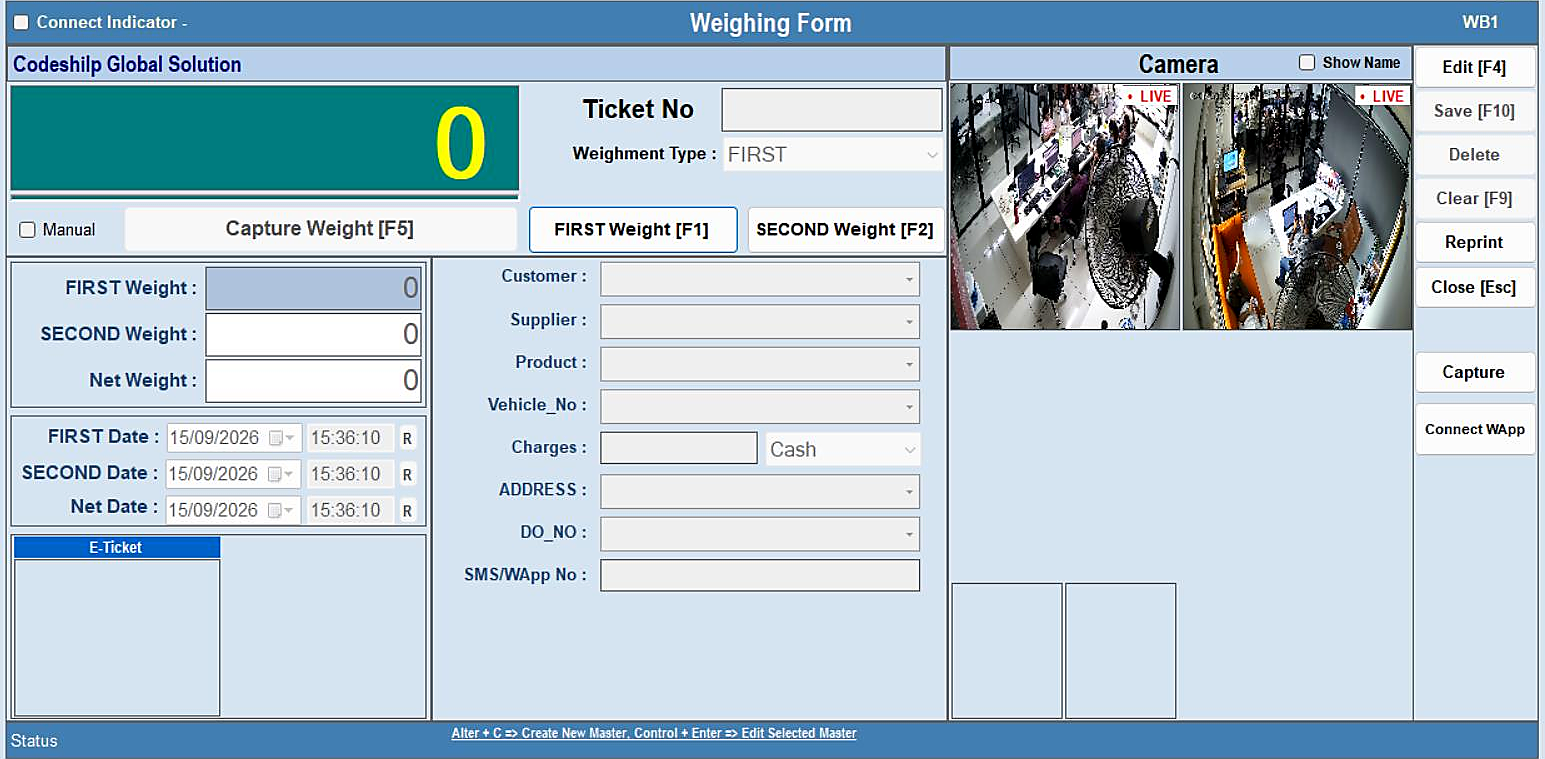
Weighing
The Weighing section is used to perform the actual weighbridge transactions.
Utility
- Backup Database
- Change Password
- WB Image Viewer
- Ticket Print
- +3 more
Dashboard
The Dashboard provides quick access to the major functions of the Weighbridge Software.
Excel
- Upload Ticket
- Export / Import Master
Pending Ticket
The Pending Ticket section displays all tickets currently pending in the system.
Reports
- Master Reports
- Weighment Reports
- Summary Reports