Open Utility → WB Image Viewer, set the From and To dates, then press Refresh. The captured images for those transactions are listed and can be reviewed.
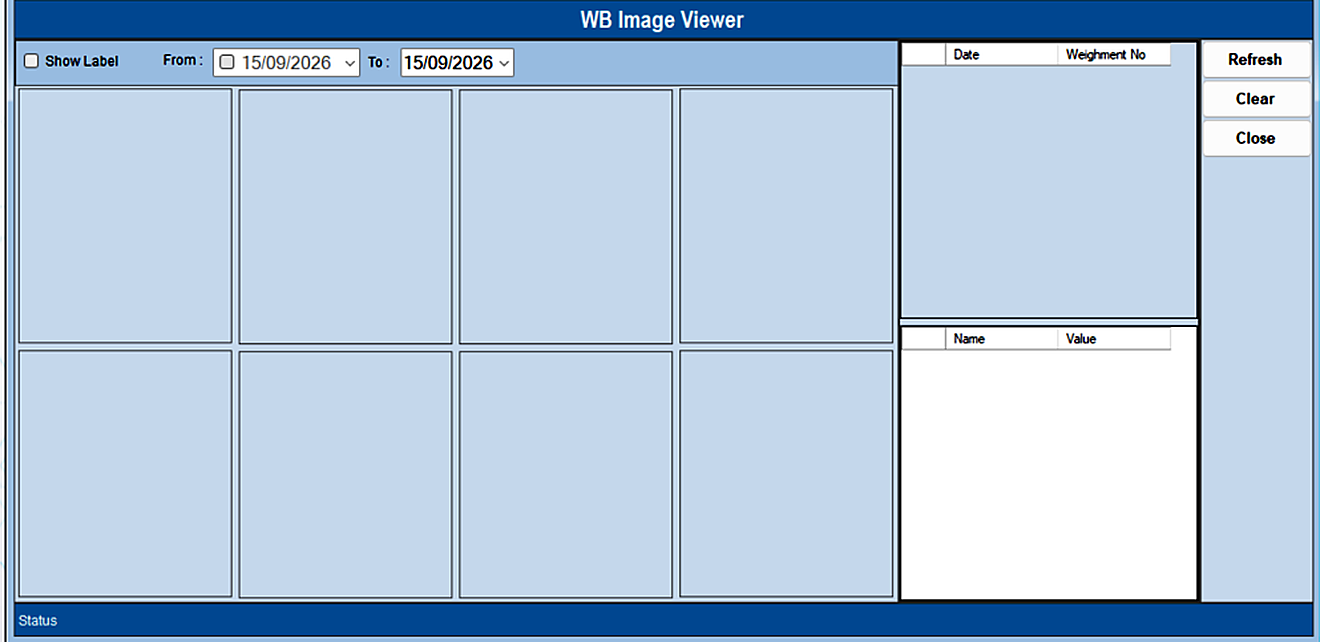
The WB Image Viewer shows the CCTV images captured during weighbridge transactions.
Open Utility → WB Image Viewer, set the From and To dates, then press Refresh. The captured images for those transactions are listed and can be reviewed.