Open Utility → Help Code, press Add [F1] and enter the required data — Customer, Supplier, Product, Vehicle_No, Charges, Address and DO_NO. Press Save [F5]. The saved Help Code is then available on the Entry Screen during weighment.
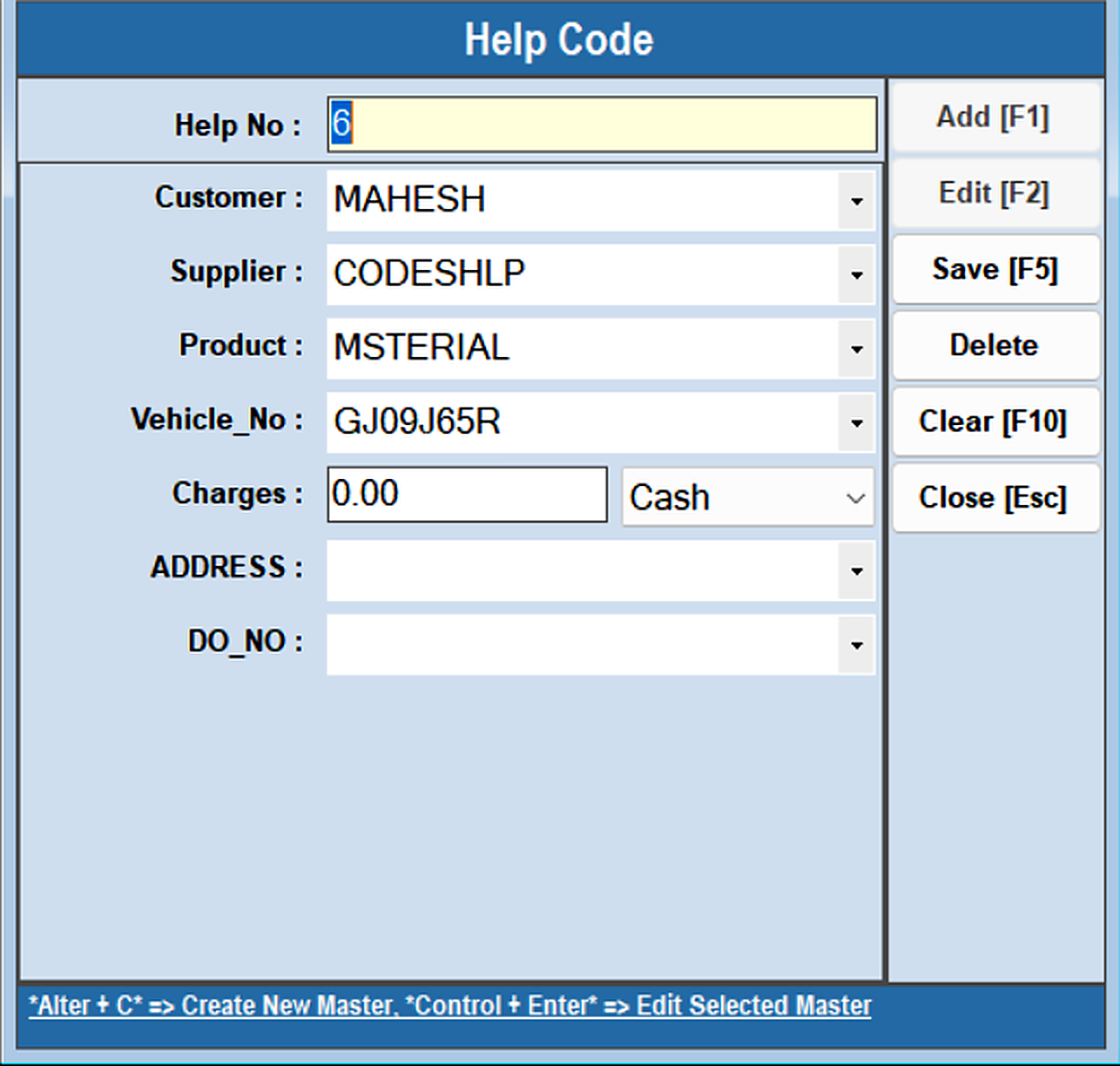
The Help Code option configures help code data used during the weighment entry process.
Open Utility → Help Code, press Add [F1] and enter the required data — Customer, Supplier, Product, Vehicle_No, Charges, Address and DO_NO. Press Save [F5]. The saved Help Code is then available on the Entry Screen during weighment.