CodeshilpHelp CenterWeighbridge Software
/
Help Center/Software Settings

Print Settings

Updated 6 Oct 20261 stepWeighbridge Software

Print Settings configure the different ticket and report printing options.. test 1 test CS popular

How it works

Open Software Settings → Print Setting and choose the print type: • CCTV Print • Normal Print • Slip Print • DOS Print • Net Print test pk Paper Size Adjustment and Print Preview are set on the same screen. Use Test Print to check the selected report format.
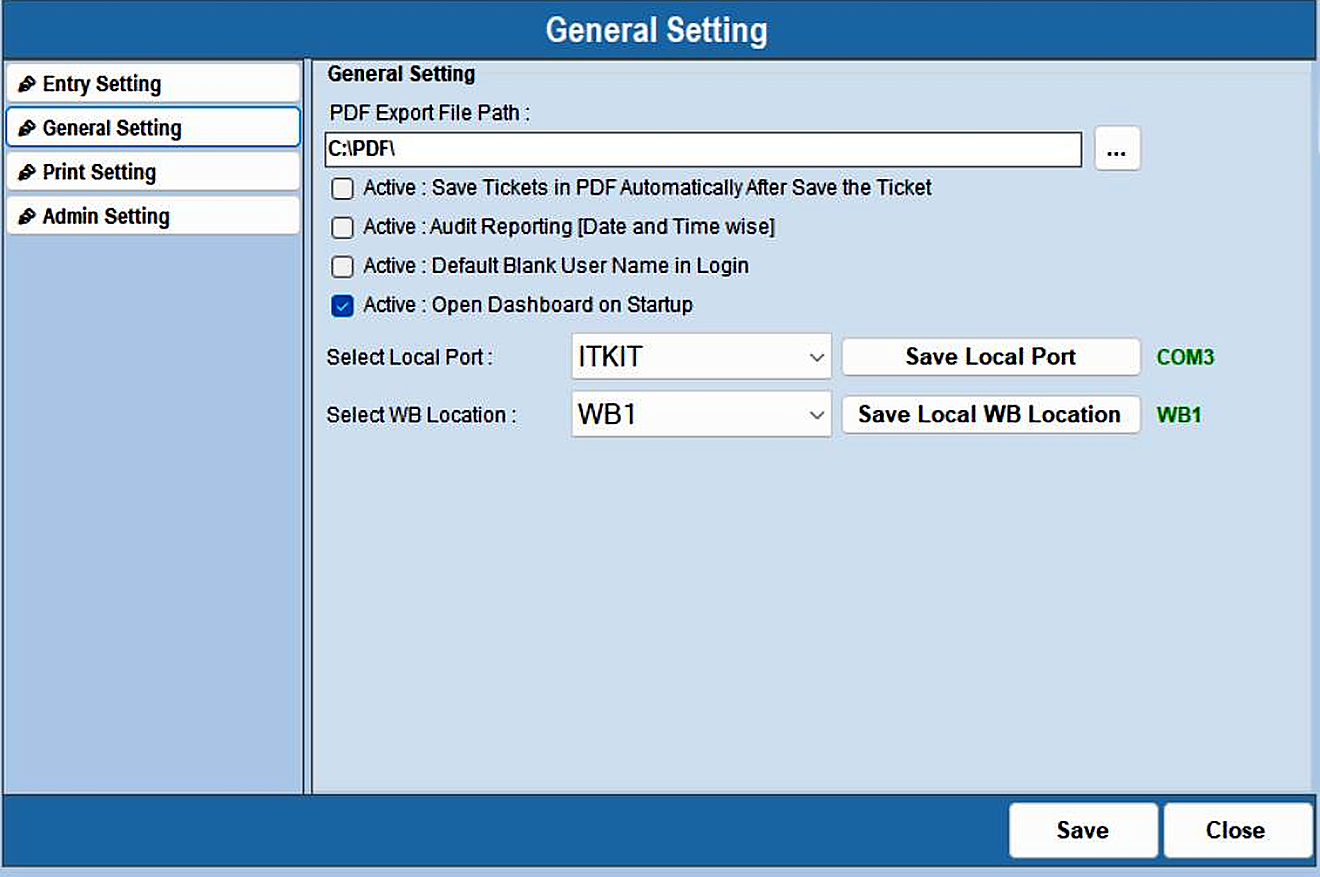
Print Settings — step 1
Was this guide helpful?
Your answer tells us which guides to rewrite first.
Still stuck?
Monday to Saturday, 8 am – 7 pm
Chat with us on WhatsApp!