Open User Master and press Add [F1]. Then: • Set the User Name • Set the User Password • Define the User Type • Assign the appropriate Role to the user Press Save [F5]. Use Edit [F2] to manage existing user details.
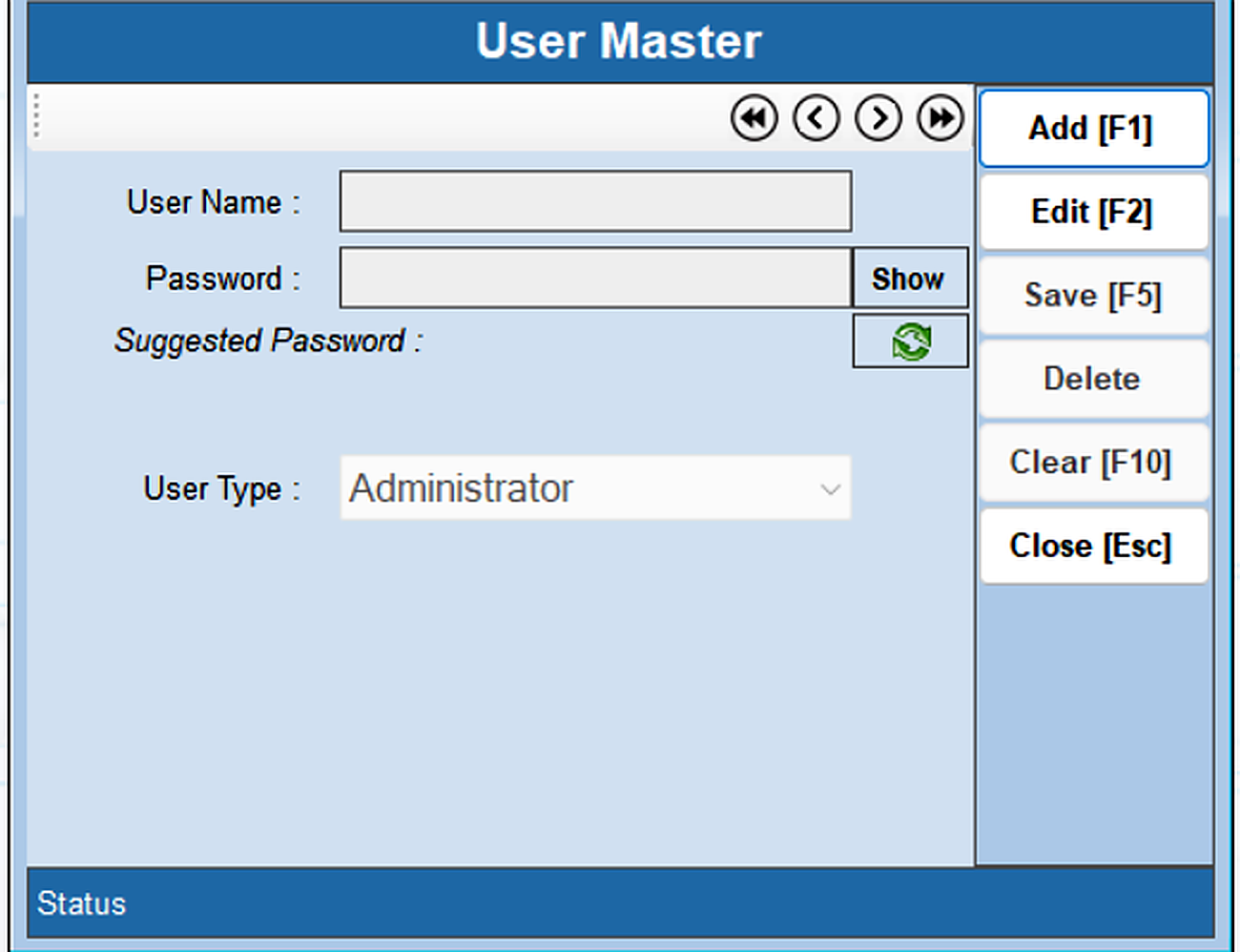
The User Master creates and manages software users. The permissions available to each user are controlled by the role and rights assigned through the Role Master.
Open User Master and press Add [F1]. Then: • Set the User Name • Set the User Password • Define the User Type • Assign the appropriate Role to the user Press Save [F5]. Use Edit [F2] to manage existing user details.