Open Utility → Ticket Print. 1. Apply the required date filter 2. Select the required Ticket Number 3. Select the Print option The selected ticket is printed.
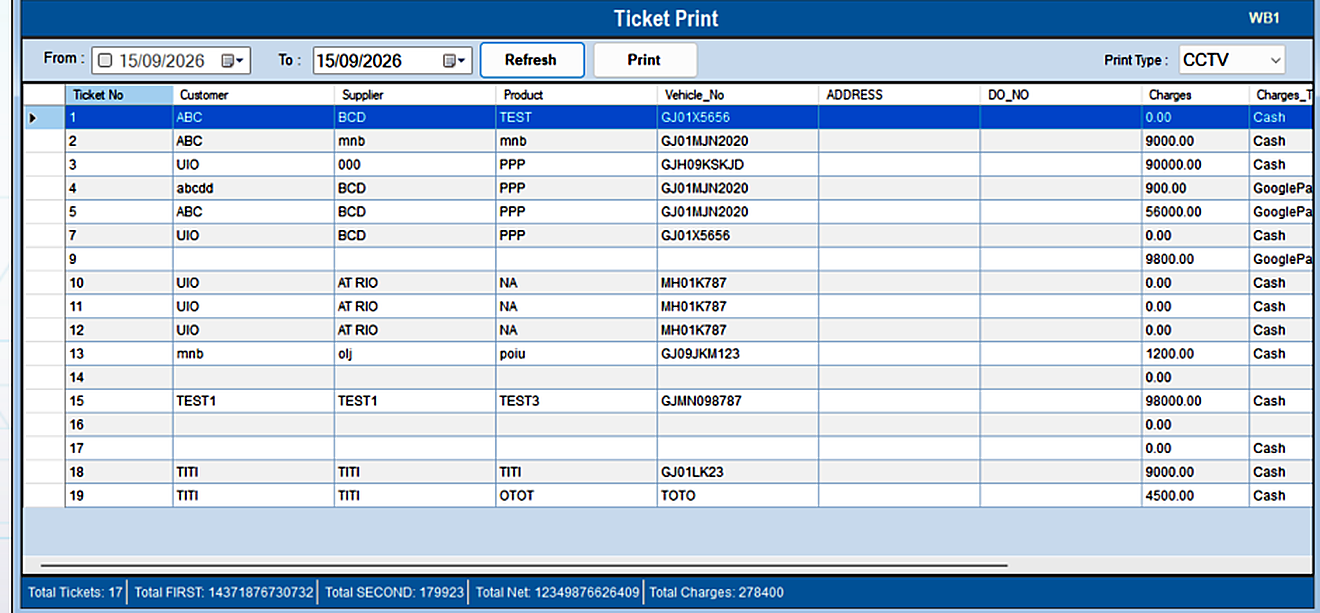
The Ticket Print option prints previously generated tickets.
Open Utility → Ticket Print. 1. Apply the required date filter 2. Select the required Ticket Number 3. Select the Print option The selected ticket is printed.