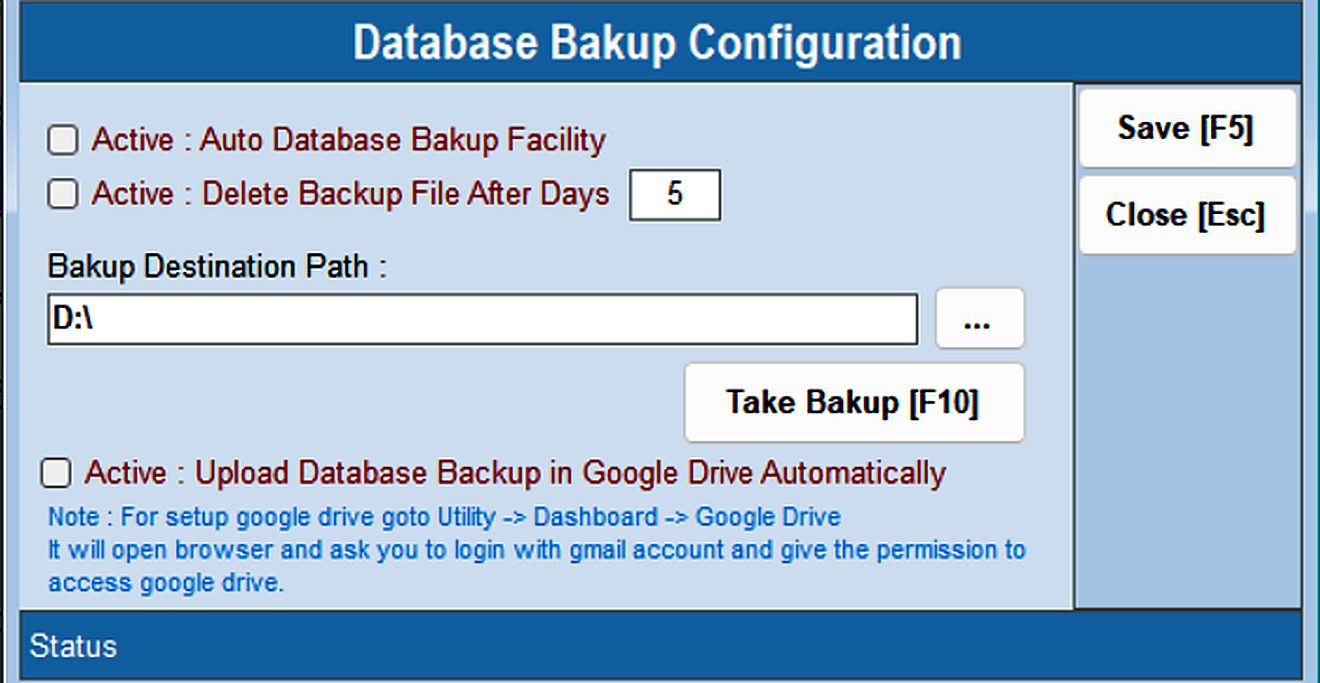
Open Utility → Backup Database. • Specify the required database backup path • Backup files are stored at the configured destination • Press Take Backup [F10] to run a backup now Auto Database Backup Facility and automatic upload to Google Drive can also be enabled here.