Open Utility → Change Password and enter: • Current Password • New Password • Repeat Password Click Save. The new password is set for the Admin user.
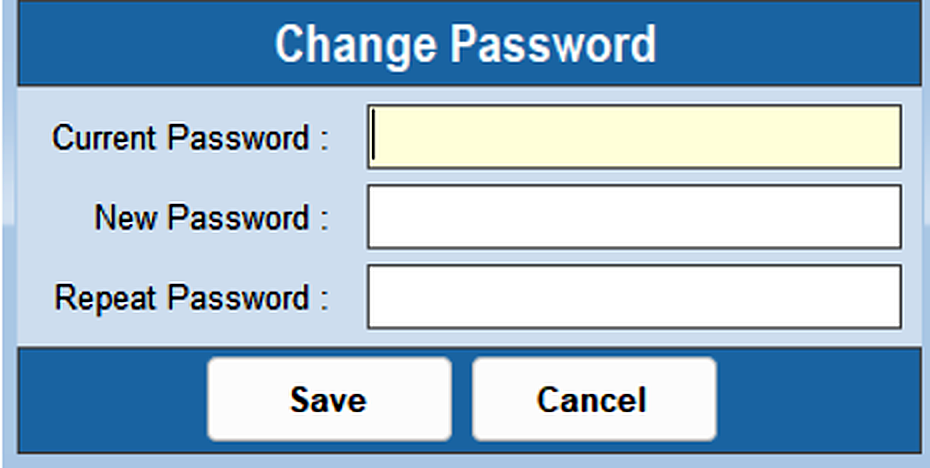
The Change Password option changes the Admin user's password.
Open Utility → Change Password and enter: • Current Password • New Password • Repeat Password Click Save. The new password is set for the Admin user.