Open Database Setting and enter the connection details: • SQL Server Name • Database Name • Database Username • Database Password Choose MS SQL Server or MS Access, set the mode (Mix Mode or Windows), then click OK.
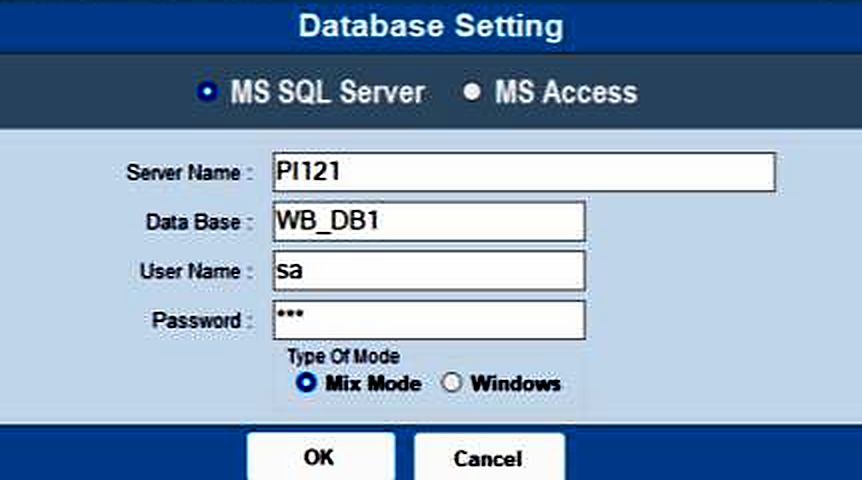
The Database Setting screen configures the database connection the Weighbridge Software uses. These settings let the software connect to the required SQL Server database.
Open Database Setting and enter the connection details: • SQL Server Name • Database Name • Database Username • Database Password Choose MS SQL Server or MS Access, set the mode (Mix Mode or Windows), then click OK.