Open the Master menu. From here you can: • Add new entry fields • Edit existing entry fields • Delete unnecessary entry fields • Maintain field names according to the requirement • Configure the fields required for the Entry Screen
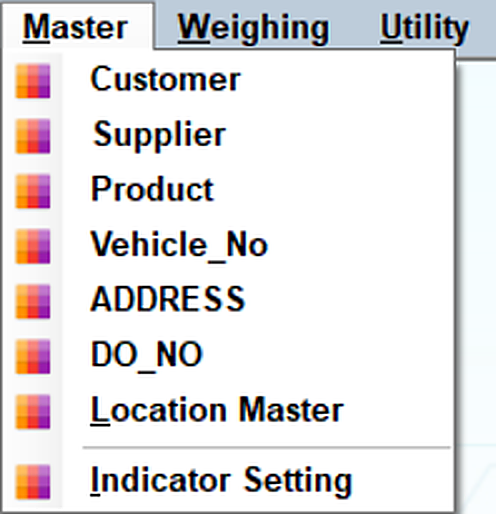
The Entry Field Master manages the fields displayed on the Weighbridge Entry Screen.
Open the Master menu. From here you can: • Add new entry fields • Edit existing entry fields • Delete unnecessary entry fields • Maintain field names according to the requirement • Configure the fields required for the Entry Screen