CodeshilpHelp CenterWeighbridge Software
/
Help Center/Weighing

Weighing

Updated 21 Sept 20261 stepWeighbridge Software

The Weighing section is used to perform the actual weighbridge transactions.

How it works

Open the Entry Screen from the Weighing menu. • All configured Entry Screen fields are available according to the settings and permissions assigned to the user • Enter the transaction details and capture the live weight received from the weighing indicator • Process the weighment transaction and generate the weight ticket
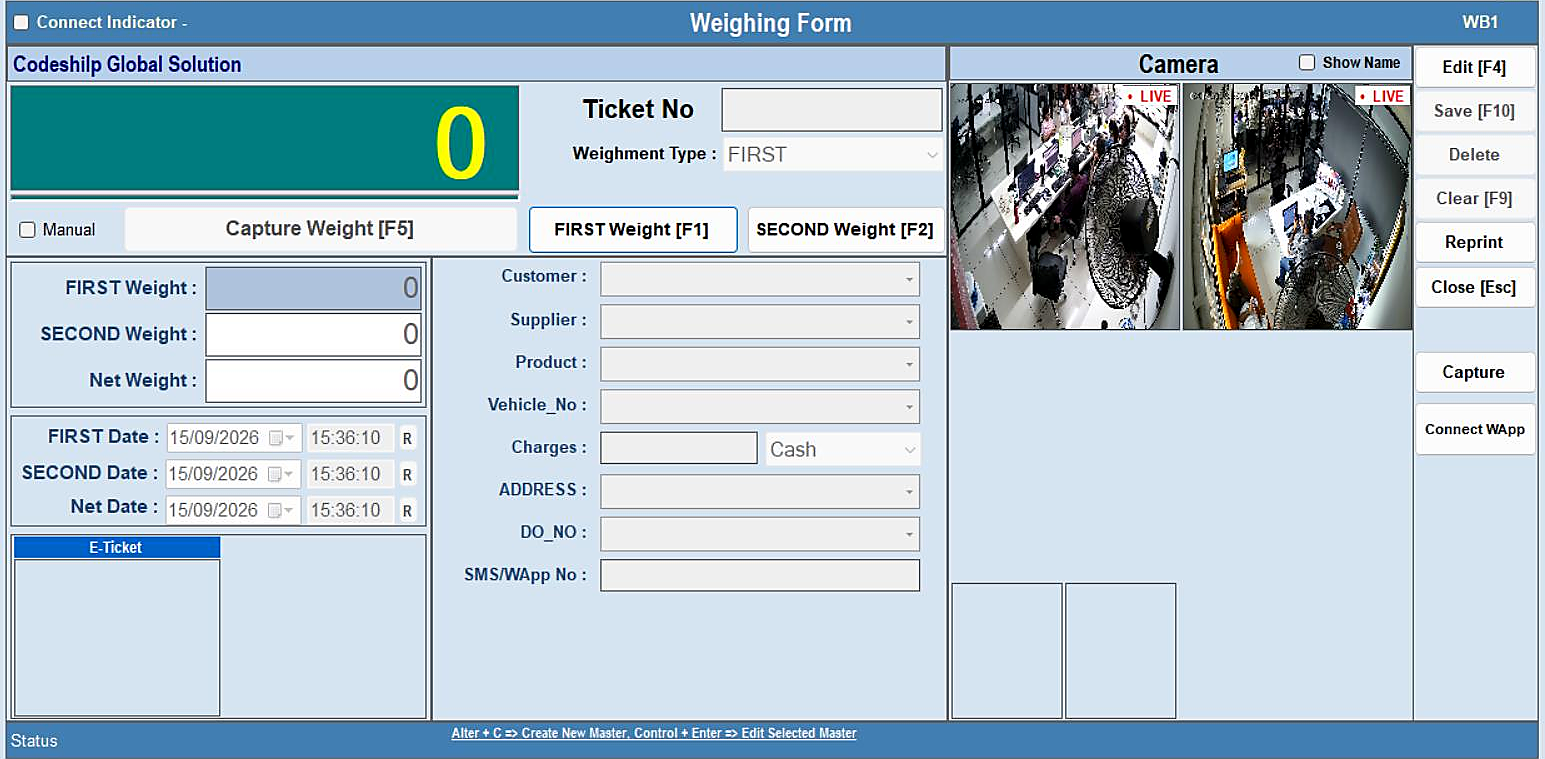
Weighing — step 1
Was this guide helpful?
Your answer tells us which guides to rewrite first.
Still stuck?
Monday to Saturday, 8 am – 7 pm
Chat with us on WhatsApp!